
🚀 What’s New with GitHub Copilot: A Leap in Developer Productivity
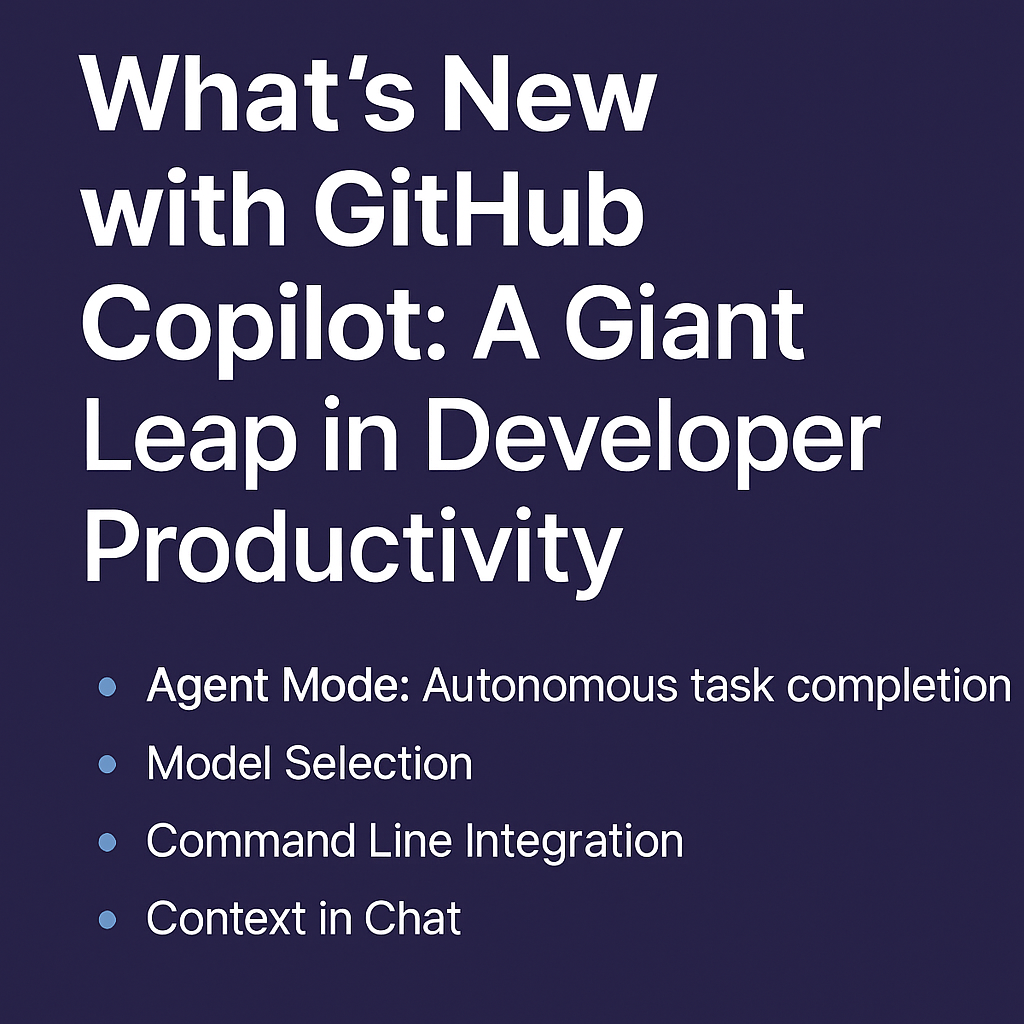
GitHub Copilot just got a major upgrade—and it’s no longer just a smart autocomplete tool. In the recent “What’s New with Copilot” webinar, GitHub revealed a wave of powerful new features that redefine how developers write code, collaborate, and automate their workflows.
In this post, I’ll walk you through the most exciting updates and what they mean for developers like us.
🧠 Agent Mode: Autonomous Task Completion
Imagine having an AI junior developer working alongside you. That’s what Agent Mode aims to deliver.
This new capability allows GitHub Copilot to:
- Refine its own output in real time.
- Fix errors automatically with minimal developer input.
- Break down and complete complex tasks like implementing full functions, setting up files, or refactoring existing codebases.
Agent Mode brings autonomous intelligence into the development workflow—taking instructions and executing them with awareness and purpose. It’s no longer just reactive; it’s proactive.
⚙️ Model Selection: Pick the Brain Behind Copilot
One size doesn’t fit all. Now, you can choose from multiple top-tier AI models that power GitHub Copilot.
This means:
- Optimize for speed, accuracy, or creativity depending on your coding scenario.
- Experiment with specialized models to tackle complex problems.
- Customize your experience based on project or team needs.
This is a major win for enterprise teams and advanced users looking to fine-tune Copilot for their unique workflows.
💻 Command Line Integration: Copilot in Your Terminal
For CLI power users, this is a game-changer.
Copilot now works directly within the command line, allowing you to:
- Use natural language to generate shell commands (e.g., “Create a Docker container for a Node.js app”).
- Auto-generate or fix shell scripts based on your intent.
- Chain and automate commands for complex DevOps tasks.
It’s like having a terminal wizard by your side—boosting speed and reducing friction in everyday developer operations.
🧩 Context in Chat: Smarter, More Aware Conversations
The new Context in Chat feature turns Copilot Chat into a truly contextual assistant.
Now, it can:
- Access and understand your entire codebase.
- Answer technical questions based on actual project files.
- Help you navigate your code intelligently and suggest improvements.
Need to track down a function, debug a tricky error, or refactor a pattern? Just ask—and Copilot will respond with context-aware guidance.
🧪 Next Edit Suggestions & Smarter Code Reviews
Coding is iterative—and now Copilot understands that too.
These new features enhance the development lifecycle by:
- Offering next-step suggestions after each code snippet (e.g., “Want to write a test for this?”).
- Assisting in code reviews, flagging potential issues, and proposing improvements directly in your pull requests.
It’s like having a smart assistant who knows your code and keeps helping you improve it—step by step.
🎯 Final Thoughts: Copilot Is Now a True Coding Partner
With these updates, GitHub Copilot is evolving into a full-fledged AI development assistant. It’s no longer just helping you write lines of code—it’s understanding your goals, taking initiative, and collaborating with you at every stage of the software development lifecycle.
Whether you’re a solo developer or part of a team, these features promise to:
- Cut down repetitive work,
- Speed up workflows,
- Improve code quality, and
- Enhance collaboration.
As a developer, I’m excited to see how these advancements push the boundaries of what we can achieve with AI-powered tools.
💬 Have you tried any of the new GitHub Copilot features yet? Let me know your experience in the comments!